Table of Contents
Create and configure transportation routes with multiple pickup points and timing details.
Route Management Features: #
- 🛣️ Create multiple routes for different areas
- 📍 Assign specific pickup points to each route
- 🌅 Define morning and evening shifts
- ⏰ Set precise pickup and drop-off times
- 🎛️ Manage route status (Active/Inactive)
How to Create a Route: #
- Navigate to Transportations > Manage Routes
- Click on Create Route
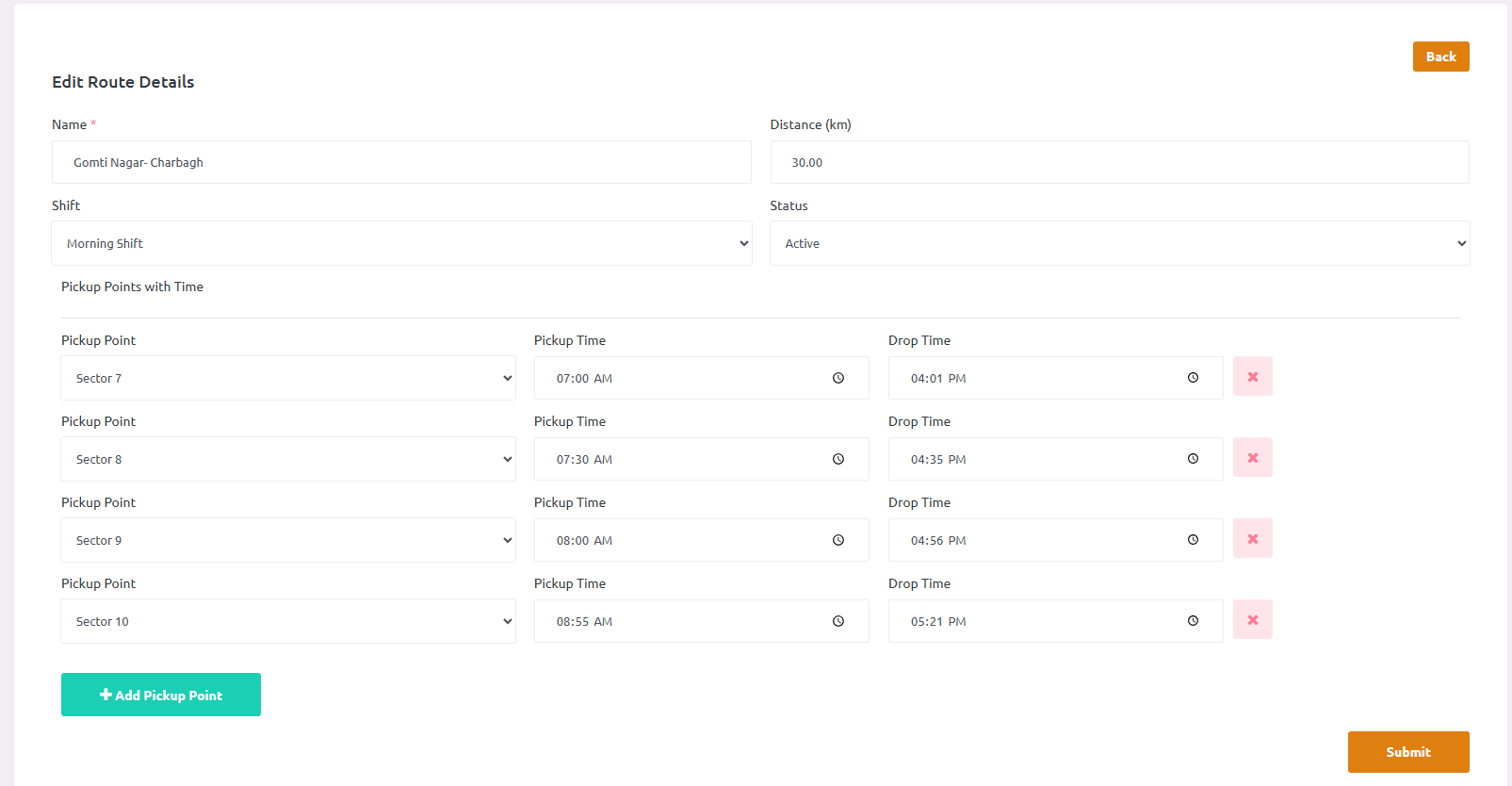
- Enter route information:
- Name: Enter the route name (e.g., “Sector 7- Sector 10)
- Distance (km): Specify the total route distance
- Shift: Select the shift (Morning, or Evening)
- Status: Set route as Active or Inactive
- Add Pickup Points with Timings:
- Select a pickup point from the dropdown
- Set Pickup Time for student pickup
- Set Drop Time for student drop-off
- Click + Add Pickup Point to add more stops
- Remove unwanted points using the delete icon
- Click Submit to save the route